
Introduction
Hey there, future blogging superstar!
That's where SEO (Search Engine Optimization) comes in. Think of SEO as your blog's secret weapon. It’s how you politely nudge Google and say, "Hey, my article is exactly what people are searching for, please show them!" For new bloggers, getting this right is how you bring free, steady traffic to your site without spending money on ads.
வேகமான File Transfer-க்கு ஷேரிட் அல்லாத மற்ற சிறந்த Apps மற்றும் அதன் இணையதளங்கள் பற்றி தெரிந்துகொள்ளுங்கள்.
The tough part is that it's easy to trip up on the basics when you first start. Don't worry, these mistakes aren't permanent. They are usually simple fixes!
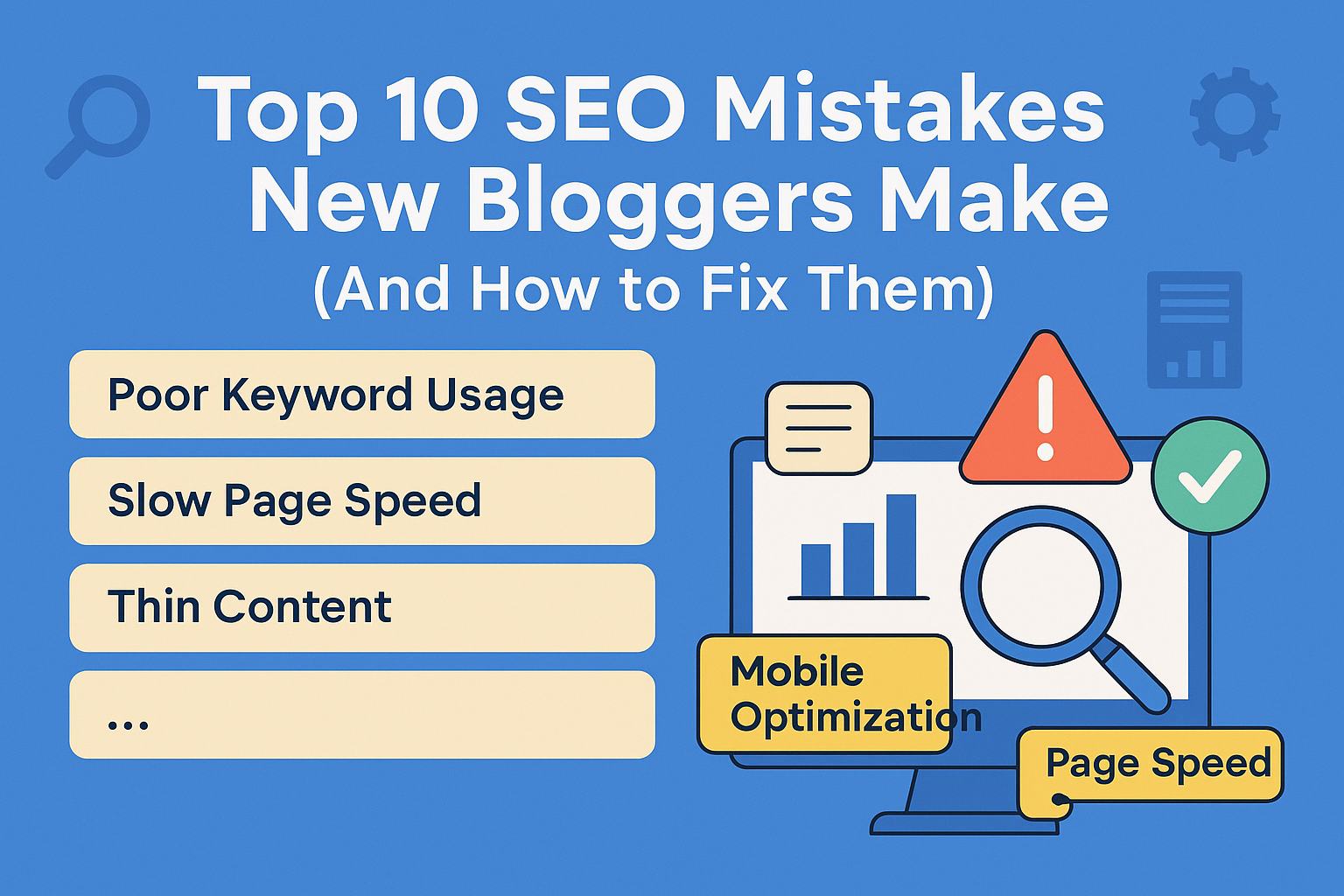
Here are the 10 most common SEO slip-ups new bloggers make, and how you can fix them, step by step.
1. Ignoring Search Intent (Writing What You Love, Not What Readers Need)
The Mistake
You found a great keyword like "quick dessert ideas" and you wrote about your favorite chocolate cake. But wait—when people search for that, are they looking for a single cake recipe, or a list of 10 different ideas they can make in 15 minutes? If your post doesn't match what the searcher intended to find, Google sees it as a poor answer.
The Detriment
Your post might show up in searches, but people quickly click back to Google because it wasn't what they wanted. This high "bounce rate" tells Google, "This page isn't helpful," and your rankings slide down the list.
The Solution: Play Detective and Match the Intent
Before you write, put your target keyword into Google and see what the top results are doing.
-
Check the Style: Are the top results mostly step-by-step guides, long lists, or quick Q&A answers? Follow that general style.
-
Check the Angle: What are the most common questions they answer? Make sure your post covers those.
-
Give Them What They Want, Fast: If the search intent is a recipe, put the ingredient list near the top. Don't bury the solution deep inside a long story!
2. Targeting Keywords That Are Too Competitive
The Mistake
This is like trying to win a gold medal in the Olympics on your first day of training! New bloggers often go after "super-tough keywords" (like "lose weight fast" or "make money online") because they have huge search volume. The problem is, huge websites (the Olympic champions) already own those spots, and you can't compete yet.
The Detriment
You pour your heart into writing a 3,000-word masterpiece, but it ends up sitting on page 15 of Google—a place no one ever visits. This is the fastest way to feel burnt out and frustrated.
The Solution: Be Smart, Not Just Hard, with Long-Tail Keywords
Look for long-tail keywords. These are longer, more specific phrases that fewer people are searching for, but the ones who do are very serious about the topic.
-
Example: Instead of "best coffee," try "best pour-over coffee gear for beginners under $50."
-
The Payoff: These specific phrases are way easier to rank for, and the people who find you are highly likely to click and engage!
Related Post
புதிய பதிவர்கள் செய்யும் 10 பெரிய SEO தவறுகள் மற்றும் அவற்றை சரிசெய்வது எப்படி?If you prefer to read this guide on fixing SEO mistakes in Tamil, click here.
3. Creating Weak, Thin, or Copied Content
The Mistake
Posting articles that are too short (less than 500 words) or simply rewording things you read somewhere else. Google calls this "thin content."
The Detriment
Google wants to see that you have real Experience, Expertise, Authority, and Trust (E-E-A-T). If your content lacks depth, personal experience, or real helpfulness, it tells Google you're not an expert. Plus, if you have two posts about the exact same thing, they "cannibalize" or fight each other for the same spot in search, and neither one wins.
The Solution: Go Deeper and Show Off Your Experience
-
Be the Best Answer: Aim to make your post the single best resource on that topic. If your competitors wrote 1,000 words, write 1,500 and cover more subtopics.
-
Add Your Touch: Include personal stories, original photos, or unique tips from your own experience.
-
Prove Your E-E-A-T: Mention your credentials or share that you tested a recipe 10 times to get it perfect. Show the reader you know your stuff!
4. Forgetting About Mobile-Friendliness (Making It Look Good on Phones)
The Mistake
You designed your blog on your big desktop screen and didn't check how clumsy it looks on a small phone.
The Detriment
Most people search on their phones! Google knows this and uses the mobile version of your site to decide where to rank you (Mobile-First Indexing). If your site is slow, has tiny text, or forces users to pinch and zoom, you’ll rank lower, and visitors will click away immediately.
The Solution: Make it Snappy and Smooth
-
Use a Responsive Theme: Choose a blog theme that automatically adjusts its layout for phones.
-
Test on Google: Use Google’s Mobile-Friendly Test to see what Google sees.
-
Keep it Clean: Use clear, large fonts and make sure your buttons and links are big enough to easily tap with a finger.
5. Neglecting On-Page SEO Basics
The Mistake
Publishing your article title and description without customizing the text that shows up on Google's search results page.
The Detriment
The SEO Title and Meta Description are your advertisement to the searcher. If they are generic or missing your main keyword, people won't click, and Google won't be sure what your page is about.
The Solution: Write Compelling Ads for Your Content
-
Main Title (H1): This is the large title on your blog post page. It must be unique and include your primary keyword. Use it only once.
-
Search Result Title (SEO Title): This is what shows up in Google. Keep it punchy (around 50–60 characters), include your keyword, and make it irresistible to click.
-
Summary Snippet (Meta Description): This short summary (about 150–160 characters) should sell the click. Include your keyword and tell the user exactly what they'll gain from reading your post.
-
Web Address (URL Slug): Keep it short and descriptive (e.g.,
/fix-seo-mistakes, not/post-123).
6. Under-Optimizing Images (No Alt Text)
The Mistake
Uploading massive photo files straight from your camera, which slows your page down, and forgetting to add Alt Text (the written description for images).
The Detriment
Huge images tank your site speed (see Mistake #4). More importantly, search engines are blind to photos! Without Alt Text, they have no idea what your picture shows, meaning you miss out on traffic from Google Image search.
The Solution: Shrink and Describe
-
Compress Images: Use a tool (like TinyPNG or a simple plugin) to make image files much smaller before uploading them.
-
Rename Files: Give your image files keyword-relevant names (e.g.,
healthy-smoothie-bowl-recipe.jpg). -
Write Helpful Alt Text: Describe the image clearly, including keywords naturally. This helps readers who are using screen readers.
-
Bad Alt Text:
photo -
Good Alt Text:
Delicious homemade matcha green tea latte being poured into a
                  mug
-
7. Ignoring Internal Linking Structure
The Mistake
Writing a fantastic new article and leaving it isolated with no links pointing to it from other posts on your blog.
The Detriment
Think of links as roads. Internal links serve two jobs:
-
Discovery: They help Google find and index your new page.
-
Passing Power: They pass "authority" (or strength) from your older, more popular pages to your newer, weaker pages, helping the new ones rank faster. If your post is an "orphan," it's on an island and gets no help.
The Solution: Connect the Dots
-
Link from Old to New: When you publish a new article, go back to at least 3-5 relevant, older posts and add a natural-sounding link to the new one.
-
Use Descriptive Text: The clickable text (anchor text) should tell the reader (and Google) exactly what they are clicking on. Avoid "Click Here." Use phrases like "learn how to choose the right gear."
8. Not Setting Up Google Analytics & Search Console
The Mistake
You're writing, but you're not tracking! Many new bloggers skip installing the two free tools that tell you everything you need to know about your traffic.
The Detriment
You're flying completely blind. You won't know which articles are hits, which keywords are actually bringing people in, or if Google is running into any technical roadblocks on your site. Without this data, improving your SEO is just a guessing game.
The Solution: Set Up Your Mission Control Immediately
-
Google Analytics: Install this to see who is visiting (where they come from, how long they stay, etc.).
-
Google Search Console (GSC): This is your direct report card from Google. GSC tells you:
The exact keywords you rank for.
-
Any critical errors Google found (like a broken link).
Which pages are indexed.
-
Submit Your Sitemap: Generate your sitemap (usually via an SEO plugin) and submit it through GSC to make sure Google knows about every page you publish.
9. Letting Old Content Get Stale (The "Set It and Forget It" Myth)
The Mistake
You wrote a great post last year and assumed your job was done. Now the statistics are old, the advice is outdated, and your competitors have published better, fresher guides.
The Detriment
Google likes new, reliable information. For topics like technology, finance, or recipes, stale content starts to "decay" in the rankings because search engines see it as less useful than a recently updated page.
The Solution: Become a Content Gardener
-
Schedule Check-ups: Once or twice a year, go through your old posts.
-
Find the "Almost There" Posts: Use Google Search Console to find posts ranking on the second page (positions 11-20). These are the easiest to push onto the first page with a refresh.
-
Implement the Updates:
Add the latest statistics or trends.
Replace any outdated advice or broken links.
-
Add a new section to make the post more comprehensive.
-
Crucially, update the publication date!
10. Ignoring Heading Tag Hierarchy (H1, H2, H3)
The Mistake
Using heading tags (like Subheading or Smaller Subheading) just because they look bigger and bolder, or skipping from a main title straight to a tiny heading.
The Detriment
Your heading tags are your article's outline. Google scans this outline to quickly figure out what the article is about and what each section covers. A messy structure confuses the search engine and makes it hard for a reader to skim and find the information they need.
The Solution: Build a Logical Outline
-
One H1 Only: Use the
<h1>tag only once for the main, overarching title of your post. -
Follow the Rules: Use
<h2>for your main section titles, and<h3>for sub-points within thoseH2sections. Never jump or skip a level. -
Include Keywords Naturally: Use your main keywords in your
H2andH3headings where it makes sense to reinforce the topic of that section.
Final Thoughts
Look, SEO doesn't have to be overwhelming or complex. It’s simply about being the most helpful, organized, and reliable resource for your readers.
By fixing these 10 basic slip-ups, you're not trying to trick Google; you're just making it super clear that your blog—whether it's about delicious food or smart tech—is ready to be discovered!
Remember, consistency beats intensity every time. Start with one or two
fixes, apply them to your next post, and watch that organic traffic
start to climb. If you want to dive even deeper, maybe we can work on
finding the perfect long-tail keyword for your next big topic!
Frequently Asked Questions (FAQ)
Q1: How long does it take for my SEO efforts to actually work?
A: Patience is the hardest part of SEO! You should think of SEO as a marathon, not a sprint. For a brand new blog (less than six months old), it typically takes 6 to 12 months before you start seeing consistent, noticeable traffic gains from organic search.
-
Tip: Don't check your Google ranking every day. Focus on consistency: publishing great content and making those simple fixes. The results will follow!
Q2: What's the real difference between the H1 Tag and the SEO Title?
A: This often confuses people, but it’s simple:
-
H1 Tag (Heading 1): This is the main headline that appears on your actual blog post page. There should only be one per page, and it's essential for readability.
-
SEO Title (Title Tag): This is the clickable blue link that appears in the Google search results. It’s your advertisement.
They should both include your main keyword, but the SEO Title often needs to be slightly shorter or more clickbait-y to get users to click on it in the search results.
Q3: Should I prioritize writing new content or updating old content?
A: A healthy blog needs a balance of both, but if you have to choose, prioritizing updates is often the fastest way to see results.
-
Why? Updating a post that’s already ranked on page two or three (positions 11-30) often gives it the boost it needs to jump to page one quickly. Google already knows the post exists; it just needs proof that it's now the best, freshest source.
Q4: I hear about backlinks all the time. Should I worry about getting them right now?
A: Don't stress about backlinks yet! Backlinks are simply when another website links to your content. For a beginner, focus on the content first.
-
The Secret: The single best way to earn backlinks naturally is to follow Mistake #3's solution: write content that is so uniquely helpful, deep, and impressive that other bloggers and websites naturally want to link to it. Master your on-page SEO first, and the quality links will start to come to you over time.
Q5: What should I use my Categories and Tags for?
A: Use these to help keep your blog tidy and organized, which Google loves!
-
Categories should be broad topics that cover the main buckets of your blog (e.g., "Breakfast," "Dinner," "Dessert" for a recipe blog like Cookingtastewey).
-
Tags should be specific details about the post (e.g., "Gluten-Free," "5-Ingredients," "Air Fryer").
Just be consistent, and don't create too many of them—keep your category list short and focused.
Sponsored Ad Section
Smart Byte partners with tech brands to bring you curated deals and reviews.
Check Partner Offers
Easy and Authentic Recipes!
Step-by-step Tamil and English recipes, simple tips, and weekly menus to make cooking stress-free.
Explore Recipes →📢 Sponsored by SBO Digital Marketing

✅ Join a Mobile-Based Part-Time Job with SBO!
This Content Sponsored by SBO Digital Marketing.
Mobile-Based Part-Time Job Opportunity by SBO!
Earn money online by doing simple content publishing and sharing tasks. Here's how:
- 🌟 Job Type: Mobile-based part-time work
- 🌟Work Involves:
- Content publishing
- Content sharing on social media
- 🌟Time Required: As little as 1 hour a day
- 🌟Earnings: ₹300 or more daily
✔️ Active Facebook & Instagram accounts
✔️ Basic knowledge of using mobile and social media
For more details:
WhatsApp your Name and Qualification to 9629606177.
a.Online Part Time Jobs from Home
b.Work from Home Jobs Without Investment
c.Freelance Jobs Online for Students
d.Mobile Based Online Jobs
e.Daily Payment Online Jobs
🔖 Keyword & Tag: #OnlinePartTimeJob #WorkFromHome #EarnMoneyOnline #PartTimeJob #jobs #jobalerts #withoutinvestmentjob
🔎 Want to know more about SBO? Visit 👉 SBO More Details
📺 Subscribe for updates: All Rounder Bala
🎬 Our Brand New Channel: ARB Vibes
🔔 Disclaimer
This post may contain affiliate links. If you purchase through these
links, I may earn a small commission at no extra cost to you. These
earnings help support the maintenance of this blog and continue bringing
you quality content.
Some product listings or ads displayed may be automated via ad services
like Google AdSense. We do not directly control these ad contents and do
not endorse every product shown.




.jpeg)


0 Comments